12 Best AI Coding Assistants to Boost Productivity in 2025
Discover the 12 best AI coding assistants in 2025. Our detailed review covers features, pricing, and pros/cons to help you choose the perfect tool.
In 2025, AI coding assistants have moved from novelty to necessity, fundamentally changing how developers write, debug, and ship code. With dozens of options flooding the market, each promising to accelerate your workflow, picking the right one is critical. A mismatched tool can introduce more friction than it removes, while the perfect fit can feel like a true coding partner, boosting both speed and quality. This guide cuts through the noise to offer a detailed, practical comparison of the 12 best ai coding assistants.
We go beyond marketing claims to evaluate how these tools perform in real-world scenarios. You will find an honest assessment of each assistant's strengths, from GitHub Copilot's seamless integration to the specialized capabilities of tools like Cursor and JetBrains AI Assistant. For each option, we provide a concise breakdown of key features, ideal use cases, pricing, and potential limitations, complete with screenshots and direct links.
Our goal is to help you make an informed decision that genuinely enhances your productivity. Whether you're a solo developer, part of a large enterprise team, or looking to streamline your workflow with advanced solutions like those from zemith.com, this resource provides the actionable insights needed to choose your ideal AI copilot and start shipping better code, faster.
1. GitHub Copilot
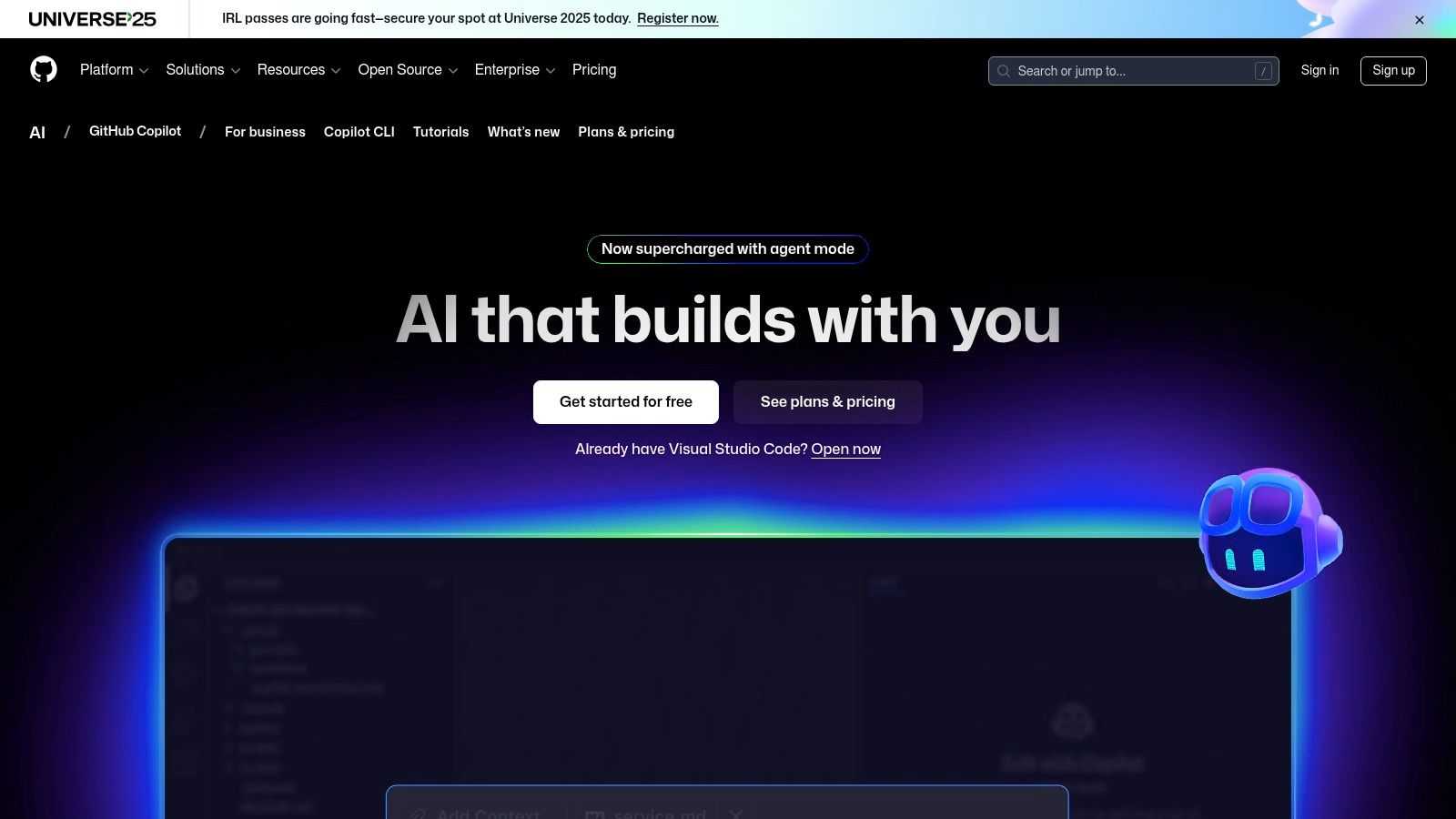
As one of the most widely adopted and best AI coding assistants, GitHub Copilot sets a high bar with its seamless integration directly into developer workflows. It operates within popular IDEs like VS Code, JetBrains, and Visual Studio, providing contextual code completions, chat-based assistance, and even code review capabilities. This deep integration means less context-switching and more focused coding, as the assistant understands the project's scope directly from the editor.
Key Features & User Experience
GitHub Copilot excels with its intuitive inline "ghost text" completions that anticipate your next move. Its chat feature is powerful for debugging, refactoring, or generating boilerplate code. The user onboarding is exceptionally smooth, making it easy for both individuals and large enterprise teams to get started quickly. For teams, the challenge often becomes tracking insights and decisions made with AI. An actionable insight is to use a centralized platform like Zemith.com to document complex AI-driven refactors, ensuring the entire team benefits from the generated knowledge.
Pricing: Copilot offers several tiers, including a competitive individual plan at $10/month and a Business plan at $19/user/month. An Enterprise tier is also available with enhanced security features.
Website:
2. Gemini Code Assist (Google)
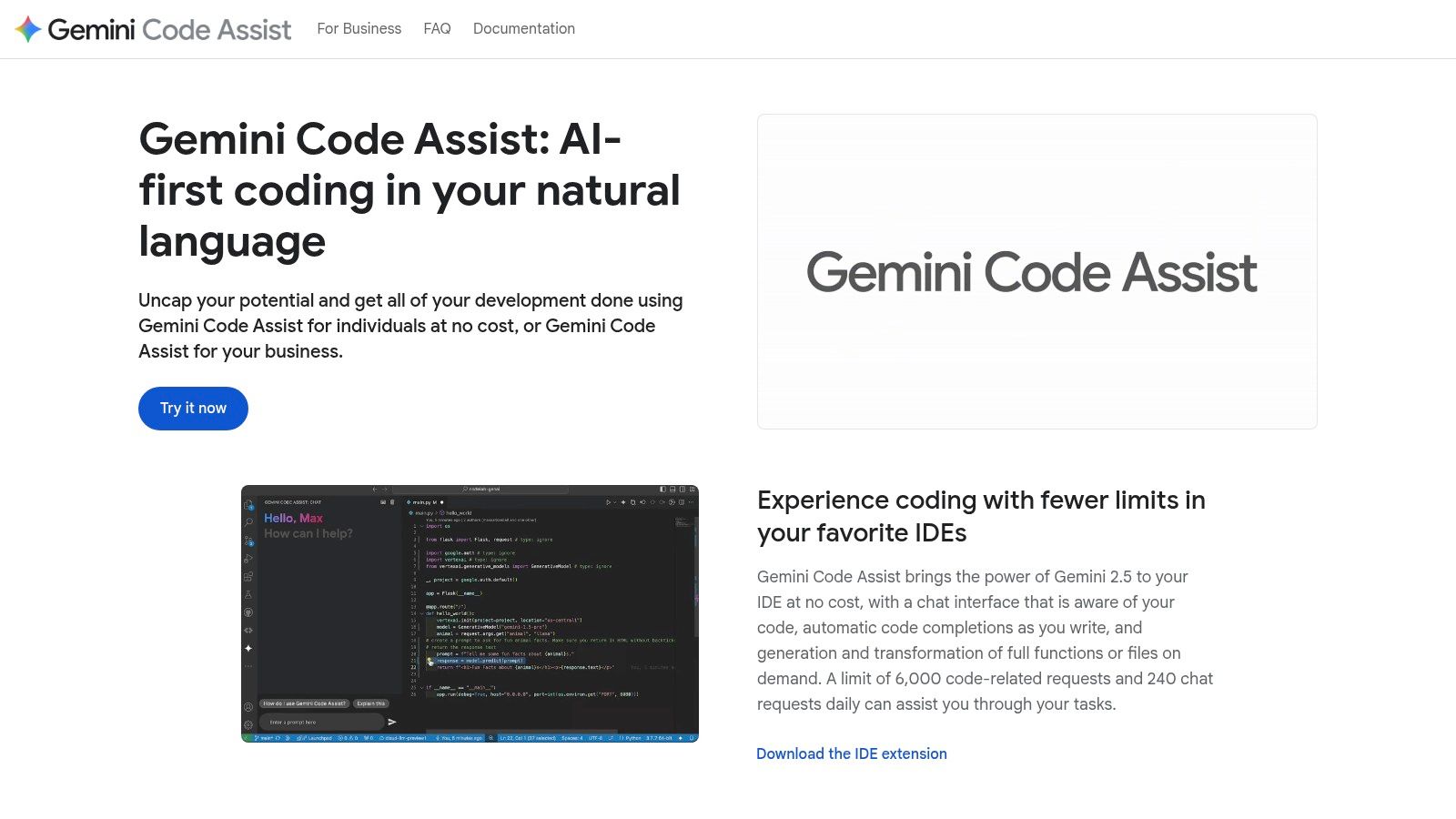
As Google's entry into the AI-powered development space, Gemini Code Assist stands out with its powerful foundation models and deep integration into the Google Cloud ecosystem. It serves as one of the best AI coding assistants for teams heavily invested in cloud-native development, but also provides robust support for popular IDEs like VS Code and JetBrains. This makes it a versatile tool for individuals, teams, and large enterprises looking for intelligent code completion, chat-based assistance, and enterprise-grade security.
Key Features & User Experience
Gemini Code Assist provides a comprehensive suite of tools, including smart autocomplete, contextual chat, and specialized commands directly within the editor. The onboarding is streamlined with official Google developer documentation, making setup straightforward. A key differentiator is its no-cost Individual tier, which allows developers to test the full workflow before committing. An actionable insight for teams using Gemini is to centralize project context. Integrating Gemini's output with a unified workspace like Zemith.com ensures that generated code snippets and architectural decisions are documented and instantly accessible to all team members, preventing knowledge silos.
Pricing: A generous free Individual tier is available. Paid plans for teams and enterprises are available with clear, per-user pricing and free trials, ensuring businesses can test its value proposition before scaling.
Website:
3. Amazon Q Developer (formerly CodeWhisperer)
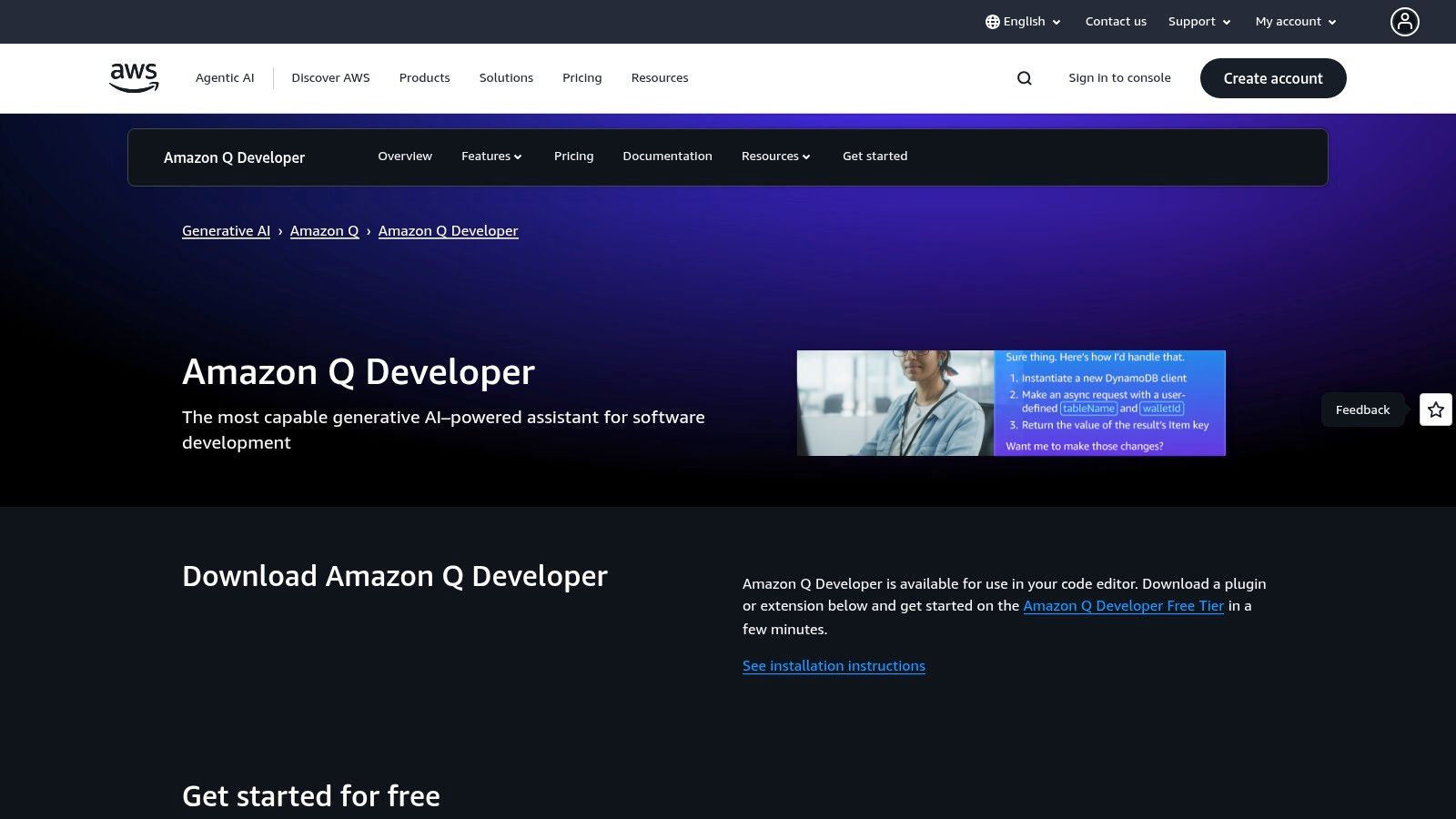
Amazon Q Developer emerges as a powerhouse among the best AI coding assistants, especially for teams deeply embedded in the AWS ecosystem. It provides comprehensive support across IDEs, the command line, and even the AWS Console, offering advanced features like agentic coding and automated code transformations. Its strength lies in its ability to understand and operate within the context of AWS services, making it an indispensable tool for cloud-native development.
Key Features & User Experience
Amazon Q Developer stands out with its agentic capabilities that can autonomously plan and execute tasks like feature implementation or code upgrades. The tool integrates seamlessly into VS Code and JetBrains, providing contextual suggestions and chat-based assistance. For enterprises, a key actionable insight is to pair its agentic power with robust project management. Using a platform like Zemith.com alongside Amazon Q allows teams to define high-level tasks, let the agent handle the implementation, and then use Zemith to track progress, document outcomes, and manage the overall project lifecycle in one place.
Pricing: A generous Free tier is available. The Pro plan costs $19/user/month and unlocks higher usage limits, advanced agentic features, and broader AWS service support.
Website:
4. Tabnine
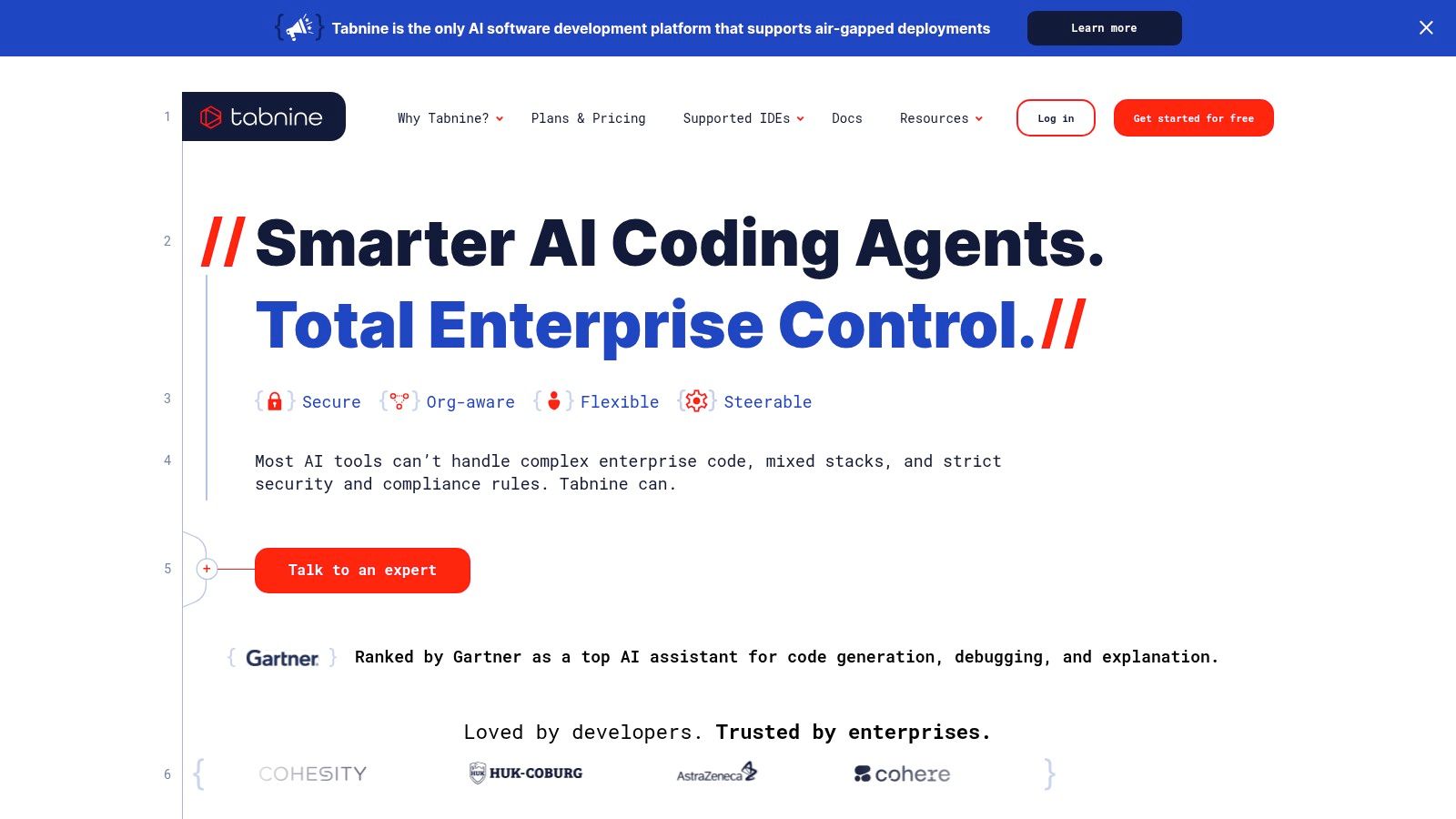
Tabnine carves out a unique niche among the best AI coding assistants by prioritizing privacy, security, and enterprise-grade control. It offers flexible deployment options, including fully private, air-gapped instances, making it ideal for organizations in regulated industries or those with strict IP policies. This focus on governance allows teams to use AI assistance while maintaining full control over their codebase and data, a critical differentiator from purely cloud-based services.
Key Features & User Experience
Tabnine provides robust code completions and an IDE-native chat that leverages context from your organization's codebase for more relevant suggestions. A key strength is its model-agnostic approach, allowing enterprises to choose from various open-source or proprietary models to fit their specific needs. Its detailed analytics and governance features provide visibility into usage and help enforce compliance. For developers looking to integrate such tools effectively, understanding with AI is a valuable skill. An actionable insight is to use a platform like Zemith to document and share best practices for using Tabnine securely, ensuring consistent adoption across the organization.
Pricing: Tabnine has a free Basic plan for individuals, a Pro plan at $12/user/month, and an Enterprise tier with custom pricing for advanced security and self-hosting options.
Website:
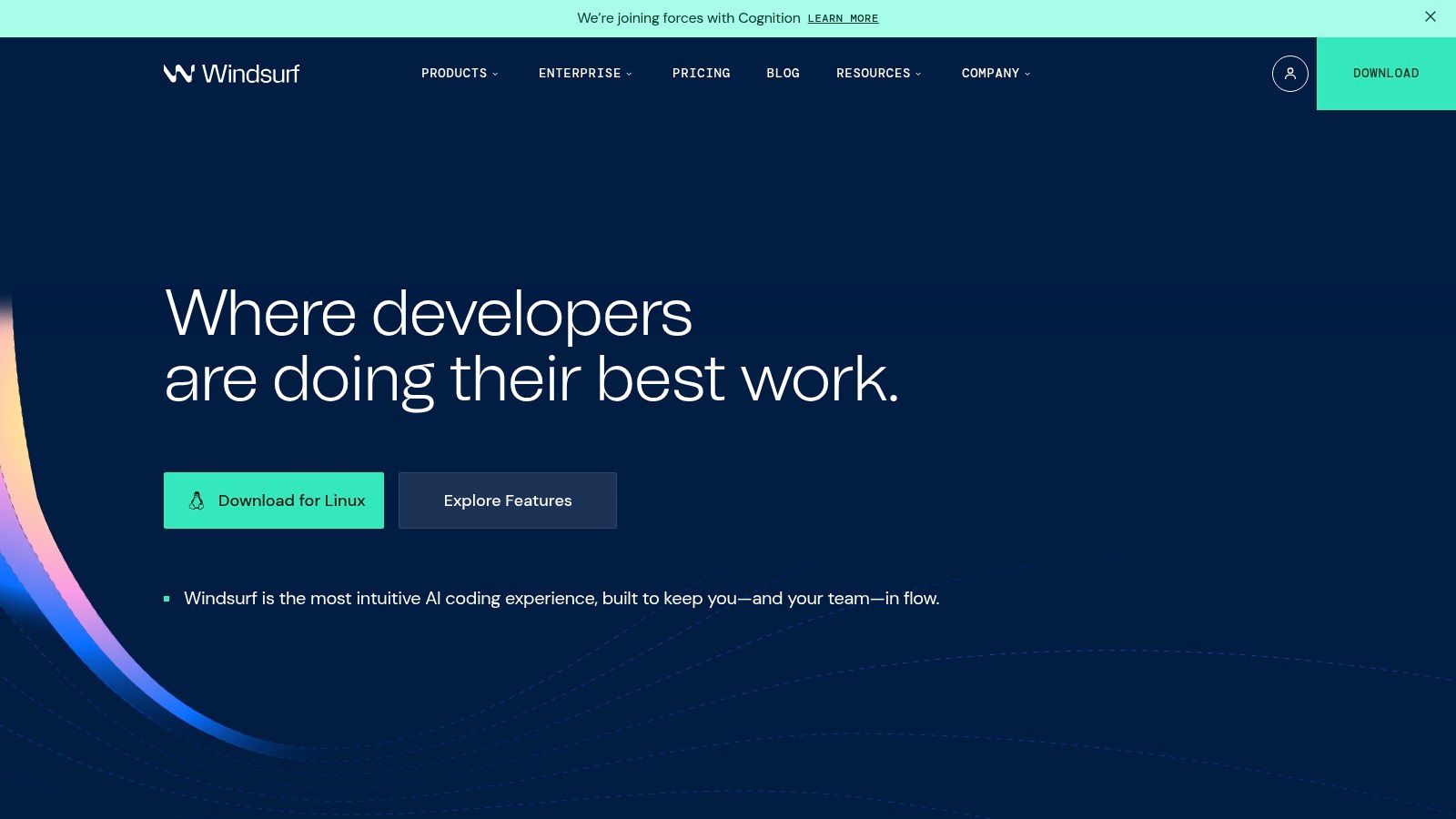
5. Codeium (and Windsurf Editor)
Codeium has established itself as one of the best AI coding assistants by offering a robust, free-forever plan for individual developers, making advanced AI tools highly accessible. It provides unlimited code completions and an in-editor chat function across a wide array of popular IDEs. This focus on a powerful free tier makes it an excellent starting point for students, hobbyists, or professionals looking to evaluate AI-powered development without an initial financial commitment.
Key Features & User Experience
Codeium’s core strength lies in its fast autocomplete and versatile in-editor chat, which is available even on its free plan. For users seeking more power, paid tiers unlock access to advanced models like GPT-4o and Claude Sonnet, longer context windows, and code-base indexing. An actionable insight for teams adopting Codeium is to manage the context it needs. While Codeium can index a codebase, complex requirements and business logic live outside the code. Using Zemith.com to consolidate project requirements, API docs, and user stories provides a rich, centralized knowledge source that developers can reference to write more effective prompts for Codeium, leading to better-quality code generation.
Pricing: The Individual plan is free, while the Teams plan is $12/user/month with access to advanced models. An Enterprise tier is also available with self-hosting options.
Website:
6. Cursor (AI Code Editor)
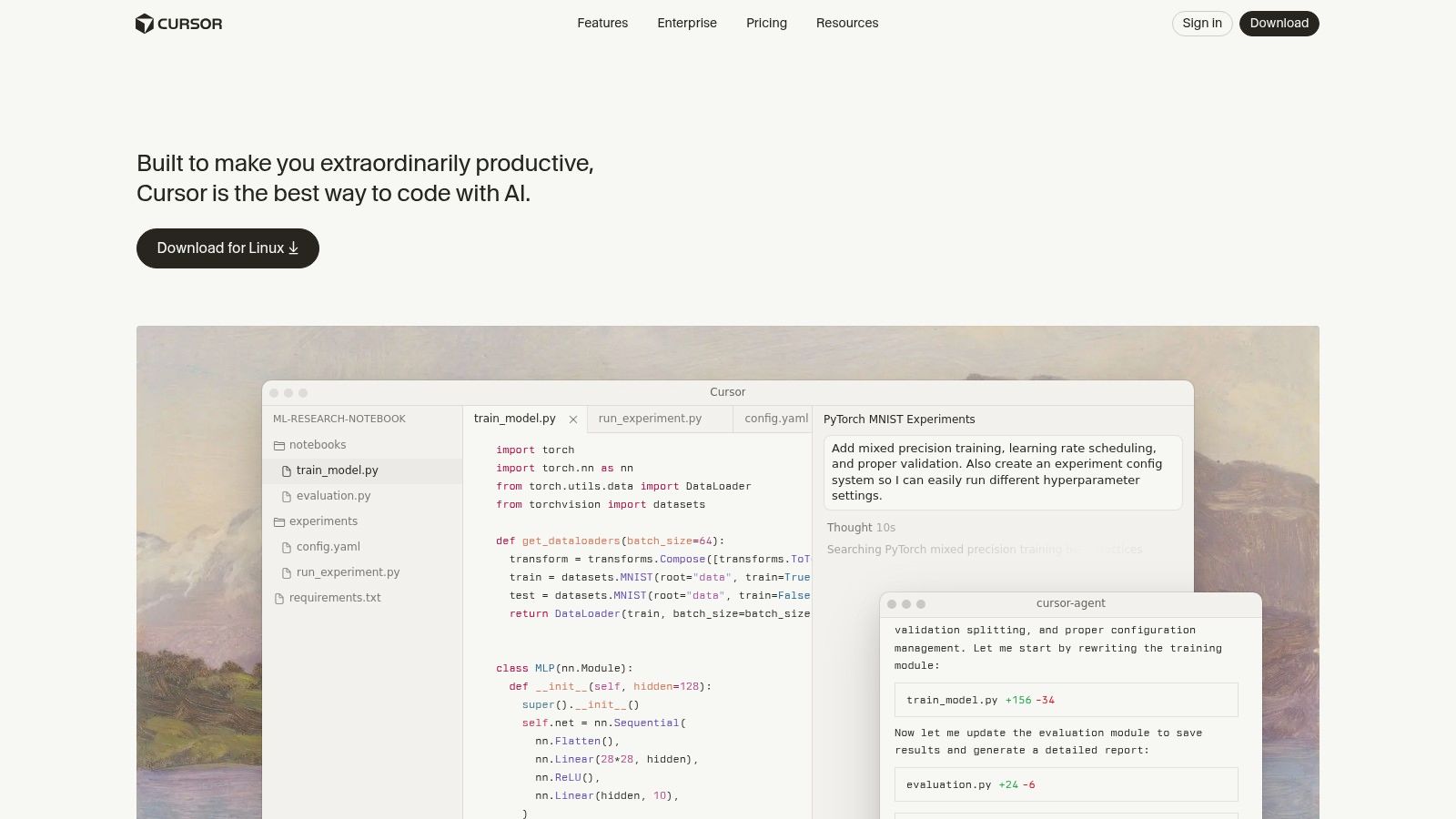
Cursor redefines the developer experience by being an AI-first code editor, rather than a plugin for an existing one. It integrates AI deeply into every aspect of coding, featuring a built-in chat, innovative background agents like Bug Bot for automated debugging, and sophisticated project indexing. This approach positions Cursor as one of the best AI coding assistants for developers who want AI to be a core part of their workflow, not just an add-on.
Key Features & User Experience
Cursor excels at creating a fluid, AI-native coding environment where generating, refactoring, and debugging code with AI feels natural. The onboarding is intuitive, especially for those familiar with VS Code, as it's a fork. An actionable insight is to use Cursor for code implementation but manage the broader project context externally. Platforms like Zemith.com provide the perfect complementary workspace for brainstorming features, conducting research, and documenting architectural decisions. This allows you to leverage Cursor's deep AI integration for coding tasks while maintaining a high-level, organized project hub in Zemith, creating a powerful, end-to-end development workflow.
Pricing: A free tier is available with limited usage. The Pro plan is $20/user/month, offering unlimited "slow" completions and more agent usage, while the Ultra plan is $50/user/month for access to the best models and higher quotas.
Website:
7. JetBrains AI Assistant (including Junie coding agent)
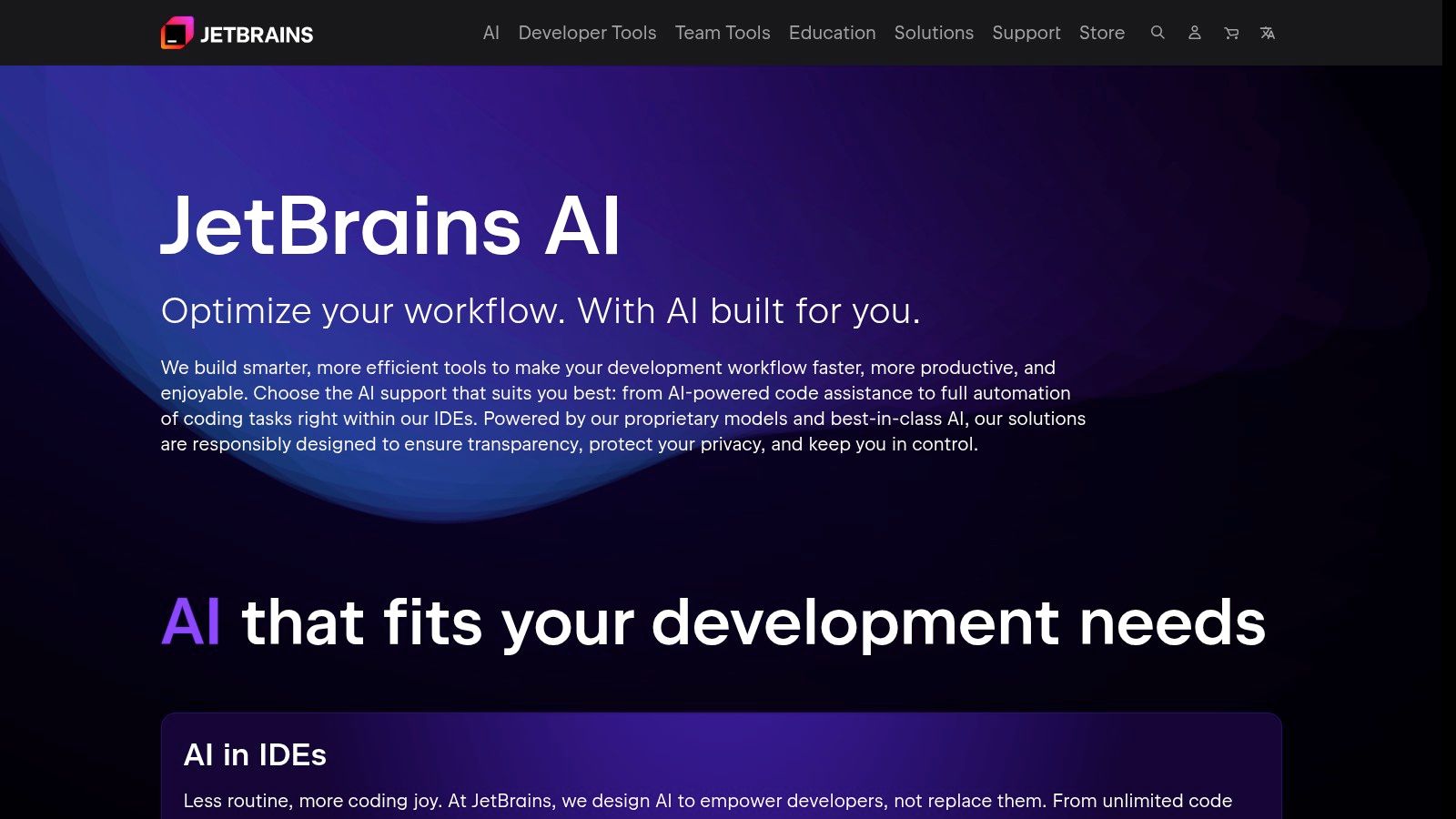
For developers committed to the JetBrains ecosystem, the AI Assistant offers an unparalleled native experience. It integrates directly into IDEs like IntelliJ IDEA and PyCharm, providing deeply contextual assistance without requiring users to leave their familiar environment. This tight integration is its core strength, allowing for AI chat, code generation, and multi-file edits that understand the full scope of your project, making it one of the best AI coding assistants for platform loyalists.
Key Features & User Experience
The assistant excels with features like unlimited local code completion and the powerful Junie coding agent for complex tasks like refactoring and generating tests. The user experience is seamless, feeling like a natural extension of the IDE rather than a bolt-on tool. A key actionable insight for teams is to streamline the flow of information into the IDE. By using Zemith.com to manage project requirements and documentation, developers can easily copy-paste well-defined specifications directly into the JetBrains AI chat. This provides the AI with high-quality context, resulting in more accurate and relevant code generation, ultimately accelerating development.
Pricing: A free tier is available. The Pro plan is $10/month, offering a set number of credits for cloud-based AI model usage. Credits can be topped up as needed.
Website:
8. Sourcegraph Amp
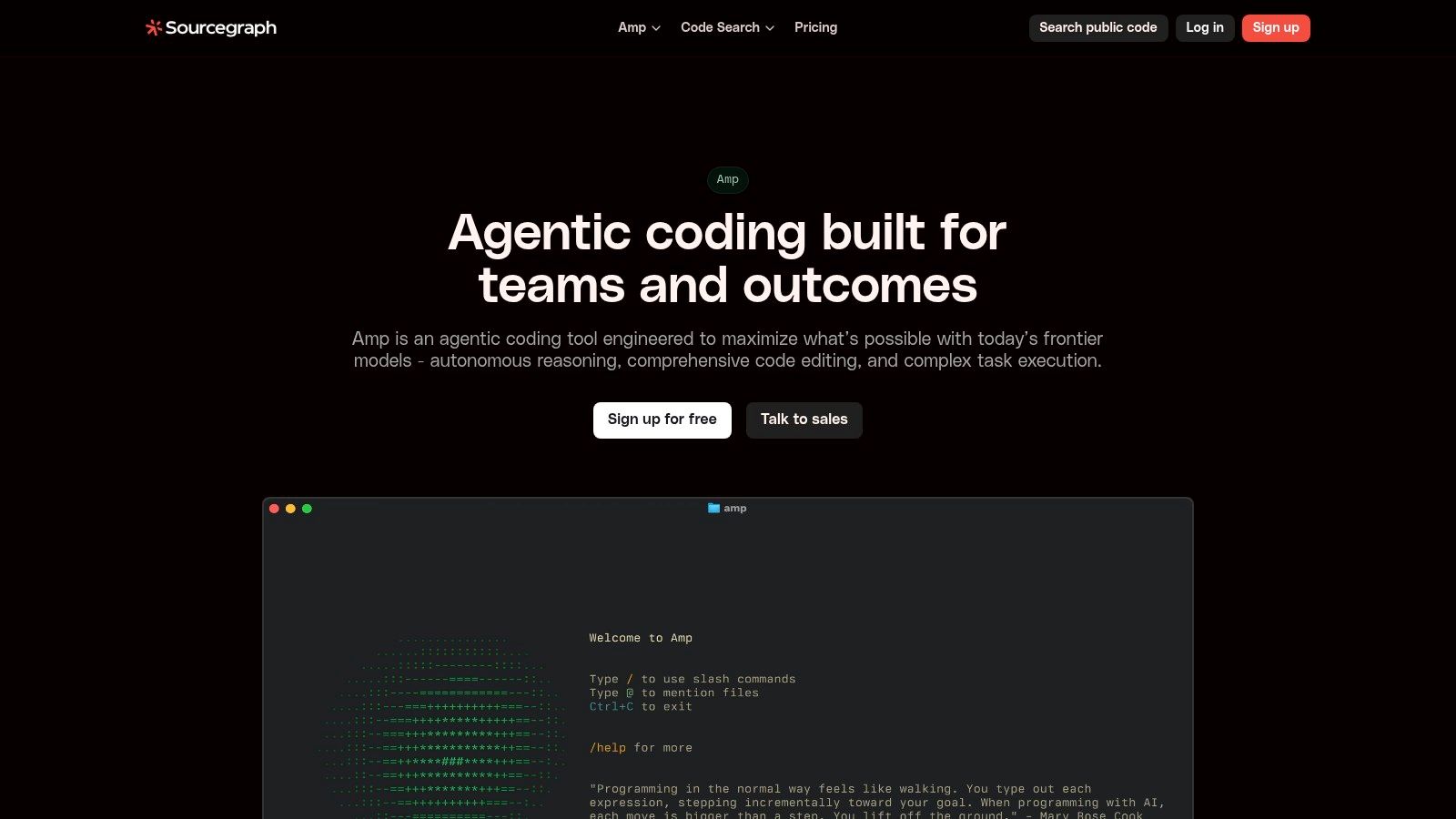
Sourcegraph Amp positions itself as an agentic coding platform, shifting the focus from simple autocompletion to executing complex, multi-step tasks. It is designed for high-quality code transformations and operates through both a CLI and a VS Code extension, making it a flexible choice for developers who value powerful, shareable workflows. Amp’s core strength lies in its ability to handle substantial coding challenges that require more than just a single line of suggestion.
Key Features & User Experience
Amp introduces agentic workflows that allow developers to define, execute, and share complex coding tasks with their teams. This collaborative approach, complete with thread sharing and team leaderboards, makes it one of the best AI coding assistants for organizations focused on collective productivity. An actionable insight for maximizing Amp's value is to manage the agentic task definitions effectively. Using a knowledge management platform like Zemith.com, teams can create a library of reusable, high-level prompts and task descriptions. This ensures consistency and allows developers to quickly initiate complex workflows in Amp without reinventing the wheel for each new feature.
Pricing: Amp operates on a credit-based model. It provides free starting credits for users to evaluate its capabilities, with enterprise plans available for larger teams requiring more extensive use and support.
Website:
9. Replit (AI Agent + Cloud Development Environment)
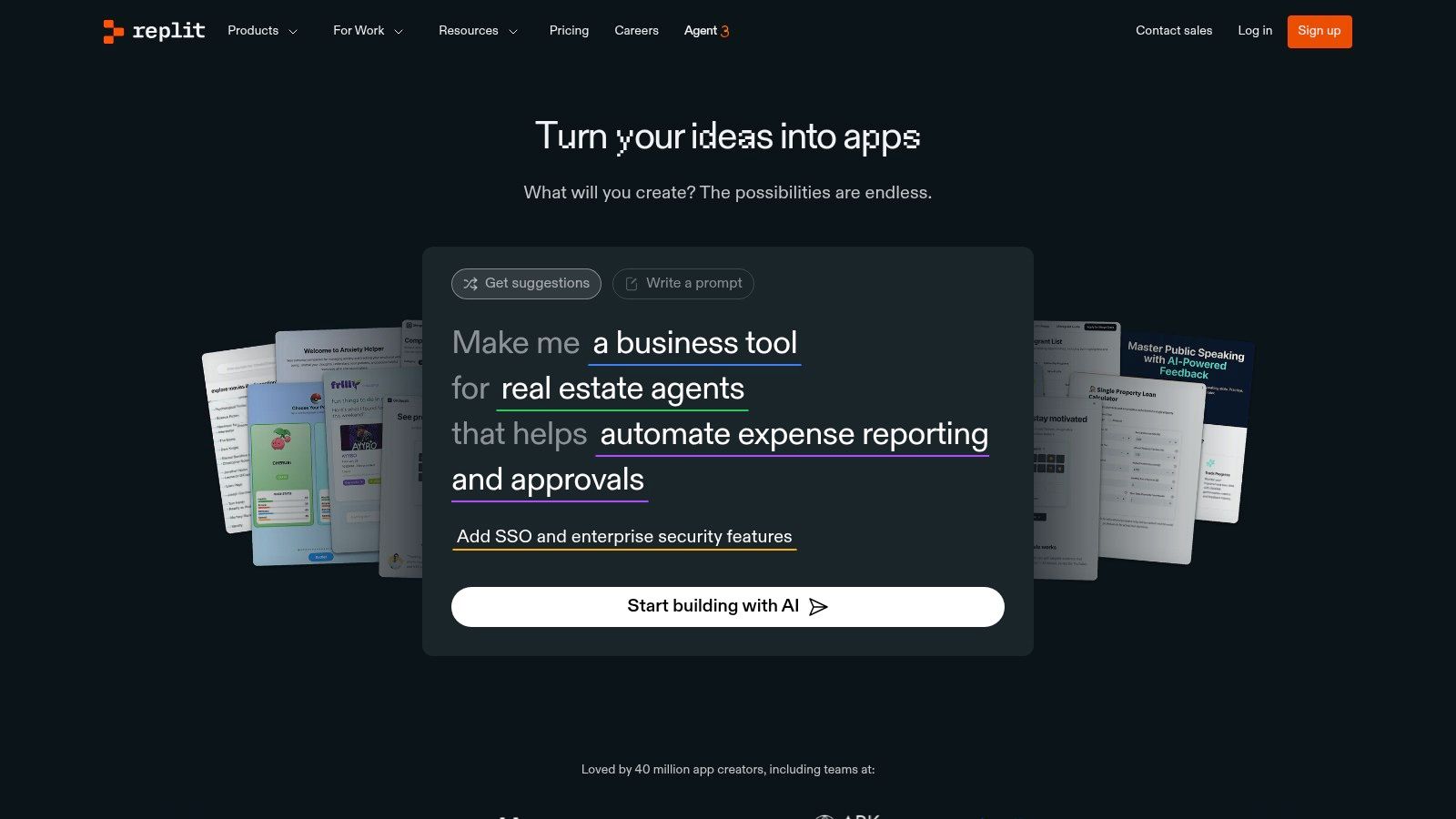
Replit carves out a unique niche by offering a complete, browser-based development environment supercharged with an AI agent. It goes beyond simple code completion, providing a platform where developers can prototype, collaborate, and deploy applications without ever leaving their web browser. This all-in-one approach makes it one of the best AI coding assistants for rapid development cycles, particularly for web applications and collaborative projects.
Key Features & User Experience
Replit's standout feature is the Replit Agent, an AI that can autonomously build and debug code based on natural language prompts. The user experience is built around this integrated environment, offering live hosting and previews directly from the workspace. A powerful, actionable insight is to use Replit for rapid prototyping and then manage the project's evolution in a more structured environment. Teams can leverage a platform like Zemith.com to document the outcomes of Replit experiments, plan the next development phases, and maintain a persistent knowledge base that lives on even after the initial prototype is complete, bridging the gap between rapid iteration and long-term project management.
Pricing: Replit offers a free tier, with the Replit Core plan for individuals starting at $20/month for enhanced compute power and private projects. Team and Enterprise plans are available with custom pricing.
Website:
10. OpenAI ChatGPT (for coding)
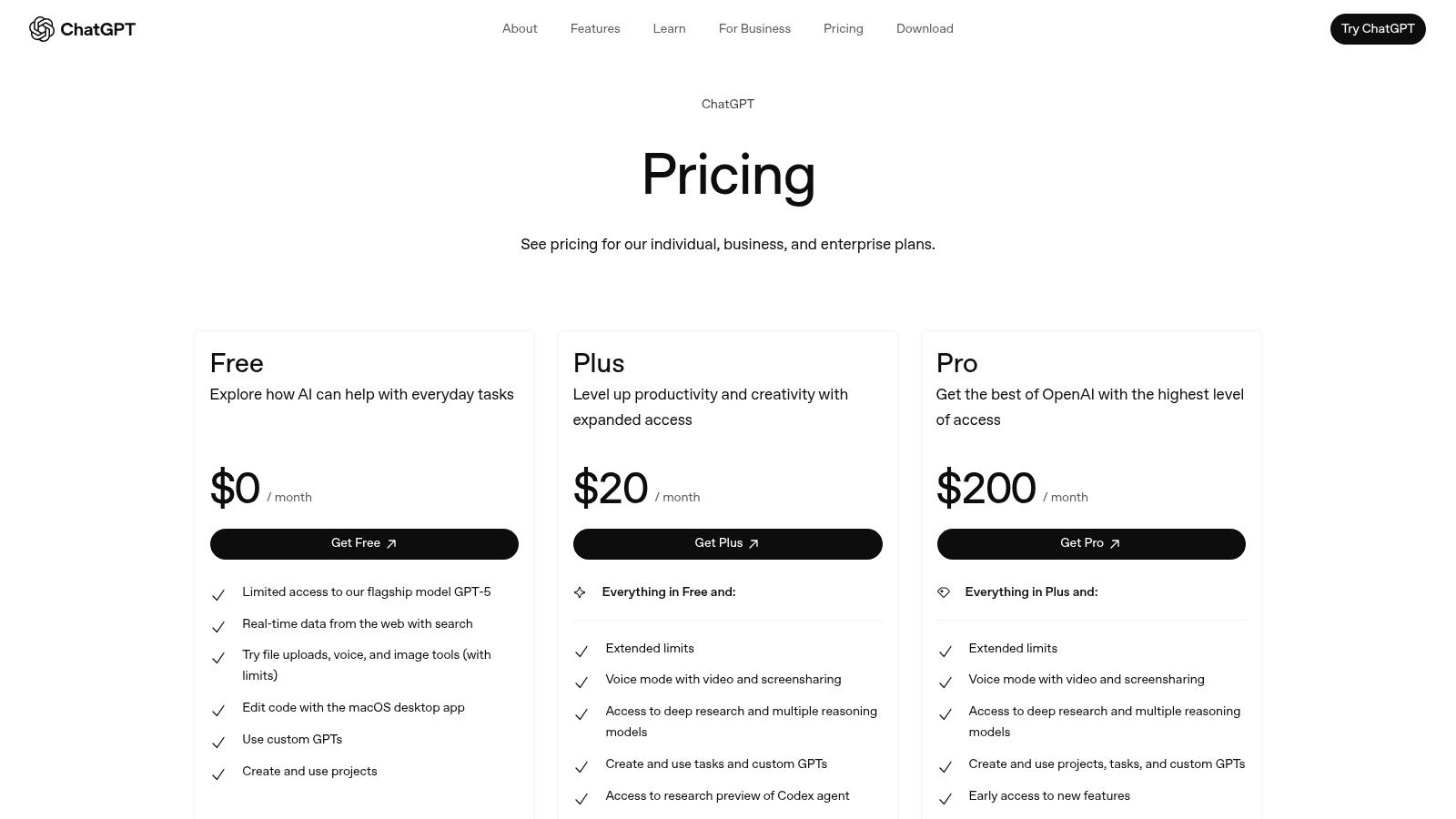
While not a dedicated IDE extension, OpenAI's ChatGPT has earned its place as one of the best AI coding assistants due to its powerful, general-purpose reasoning and code generation capabilities. It operates through a web or desktop app, where developers can upload entire files or projects for context, making it excellent for high-level architectural planning, debugging complex logic, and generating extensive boilerplate code that can be copied into a local environment.
Key Features & User Experience
ChatGPT shines in conversational coding sessions, allowing you to refine, refactor, and troubleshoot code through iterative dialogue. Its ability to manage project files, create custom GPTs for specific tasks, and leverage advanced models makes it a versatile tool for tasks beyond simple completions. An actionable insight is to overcome the "copy-paste" workflow by integrating ChatGPT's outputs into a structured knowledge base. Instead of letting valuable conversations disappear, developers can use Zemith.com to save, organize, and share key code snippets and architectural discussions from ChatGPT, creating a durable and searchable project history for the entire team.
Pricing: A free version is available with limitations. Paid tiers include Plus ($20/month) for individuals, a Team plan at $25/user/month, and a customizable Enterprise solution.
Website:
11. Anthropic Claude Code
Anthropic's Claude Code offers a unique terminal-first approach, positioning itself as one of the best AI coding assistants for developers who live in the command line. It integrates deeply with IDEs like VS Code and JetBrains, allowing for enhanced context by sharing diffs and code selections directly from the editor to the terminal. This design minimizes context switching for those who prefer a CLI-centric workflow, blending the power of a large language model with the speed of terminal operations.
Key Features & User Experience
Claude Code shines with its lightweight setup and powerful hotkey system, enabling users to reference files and share diagnostics effortlessly. The tool automatically detects and helps install corresponding IDE plugins, streamlining the onboarding process. Its core strength lies in leveraging the advanced reasoning capabilities of Claude models for complex coding tasks, debugging, and code generation. An actionable insight for users is to manage complex prompts effectively. For multi-step tasks, developers can draft, refine, and store their prompts in a dedicated workspace like Zemith.com before sending them to Claude Code. This practice ensures higher-quality inputs and creates a reusable library of effective prompts for the team.
Pricing: Pricing is based on the Anthropic API usage, which follows a pay-as-you-go model tied to token consumption for the specific Claude model used.
Website:
12. G2 — AI Coding Assistants Category
While not a coding assistant itself, G2's category page for AI coding assistants is an indispensable resource for discovery and comparison. It serves as a user-powered marketplace, aggregating real-world reviews, ratings, and feature-by-feature comparisons of the top tools. This platform is perfect for developers and team leads looking to validate vendor claims and understand how different solutions perform in practical, day-to-day workflows before making a commitment.
Key Features & User Experience
G2 provides a powerful filtering system, allowing you to sort the best AI coding assistants by market segment, user satisfaction, and specific features. The platform excels at presenting side-by-side comparisons and grids that simplify complex buying decisions. Its primary value lies in the unfiltered user reviews, offering honest feedback on everything from IDE integration quality to customer support responsiveness. An actionable insight is to use G2 for initial research, then use a platform like Zemith.com to create a structured evaluation matrix. This allows your team to collaboratively score top contenders against your specific project needs, ensuring a data-driven and objective decision.
Pricing: G2 is free to use for browsing and research. Pricing for individual assistants must be found on their respective vendor sites.
Website:
Top 12 AI Coding Assistants Feature Comparison
Beyond the IDE: Unifying Your AI Workflow with Zemith
Navigating the landscape of AI-powered development tools reveals a powerful truth: the future of coding is collaborative, intelligent, and deeply integrated. We've explored a diverse array of the best AI coding assistants, from the ubiquitous GitHub Copilot, which excels at in-line suggestions, to specialized environments like Cursor that reimagine the entire editor experience. Each tool, whether it's Google's Gemini Code Assist or Amazon's Q Developer, offers unique strengths tailored to specific ecosystems and developer needs.
The primary takeaway is that there is no single "perfect" assistant for every programmer. The ideal choice hinges on your specific context. Are you deeply embedded in the JetBrains ecosystem? Their AI Assistant is a natural fit. Do you prioritize open-source and self-hosting capabilities? Codeium presents a compelling option. Your programming languages, project scale, and budget are all critical factors in this decision-making process.
How to Choose Your AI Co-Developer
To select the right tool, move beyond feature lists and consider your daily workflow. Here’s a practical approach to making your choice:
- Evaluate Your Primary Environment: Start with assistants that offer native, seamless integration with your preferred IDE or editor. A tool that feels bolted on, rather than built-in, will only create friction.
- Assess Model Performance for Your Stack: Test the top contenders on your actual codebase. An assistant that excels in Python might not be as proficient with Rust or Swift. Use free trials to compare the quality and relevance of their code completions and suggestions directly.
- Consider the Full Development Lifecycle: Modern software development isn't just about writing code. It involves extensive research, debugging, writing documentation, and communicating with team members. This is where the limitations of a single-purpose coding assistant become apparent.
The Problem with a Fragmented AI Stack
While the tools we've covered are exceptional at code generation, they often leave developers juggling multiple other AI applications. You might use GitHub Copilot in VS Code, switch to a web-based AI for research and brainstorming, and use another tool to summarize technical documents or rephrase commit messages. This constant context-switching fragments your focus and scatters valuable project knowledge across different platforms.
This is precisely the gap that a unified AI workspace like Zemith is designed to fill. While your chosen coding assistant handles the immediate task of writing code within the IDE, Zemith acts as your comprehensive project hub. It integrates a powerful coding assistant with a full suite of productivity tools, including deep research capabilities, interactive document analysis, and intelligent note-taking, all within a single, cohesive environment.
By consolidating your AI toolset, you create a centralized knowledge base for every project. The insights gained from a research session can directly inform your coding prompts, and the code you generate can be instantly documented and explained within the same workspace. This integrated approach doesn't just streamline your workflow; it amplifies your effectiveness, allowing you to build better software, faster. The ultimate goal is not just to find the best AI coding assistants but to build a truly intelligent and seamless development process.
Ready to unify your AI tools and eliminate the friction of context-switching? Discover how Zemith complements your favorite coding assistant by providing an all-in-one workspace for research, documentation, and project management. and transform your entire development lifecycle.
Explore Zemith Features
Everything you need. Nothing you don't.
One subscription replaces five. Every top AI model, every creative tool, and every productivity feature, in one focused workspace.
Every top AI. One subscription.
ChatGPT, Claude, Gemini, DeepSeek, Grok & 25+ more








Always on, real-time AI.
Voice + screen share · instant answers
What's the best way to learn a new language?
Immersion and spaced repetition work best. Try consuming media in your target language daily.
Voice + screen share · AI answers in real time
Image Generation
Flux, Nano Banana, Ideogram, Recraft + more

Write at the speed of thought.
AI autocomplete, rewrite & expand on command
Any document. Any format.
PDF, URL, or YouTube → chat, quiz, podcast & more
Video Creation
Veo, Kling, Grok Imagine and more

Text to Speech
Natural AI voices, 30+ languages
Code Generation
Write, debug & explain code
Chat with Documents
Upload PDFs, analyze content
Your AI, in your pocket.
Full access on iOS & Android · synced everywhere
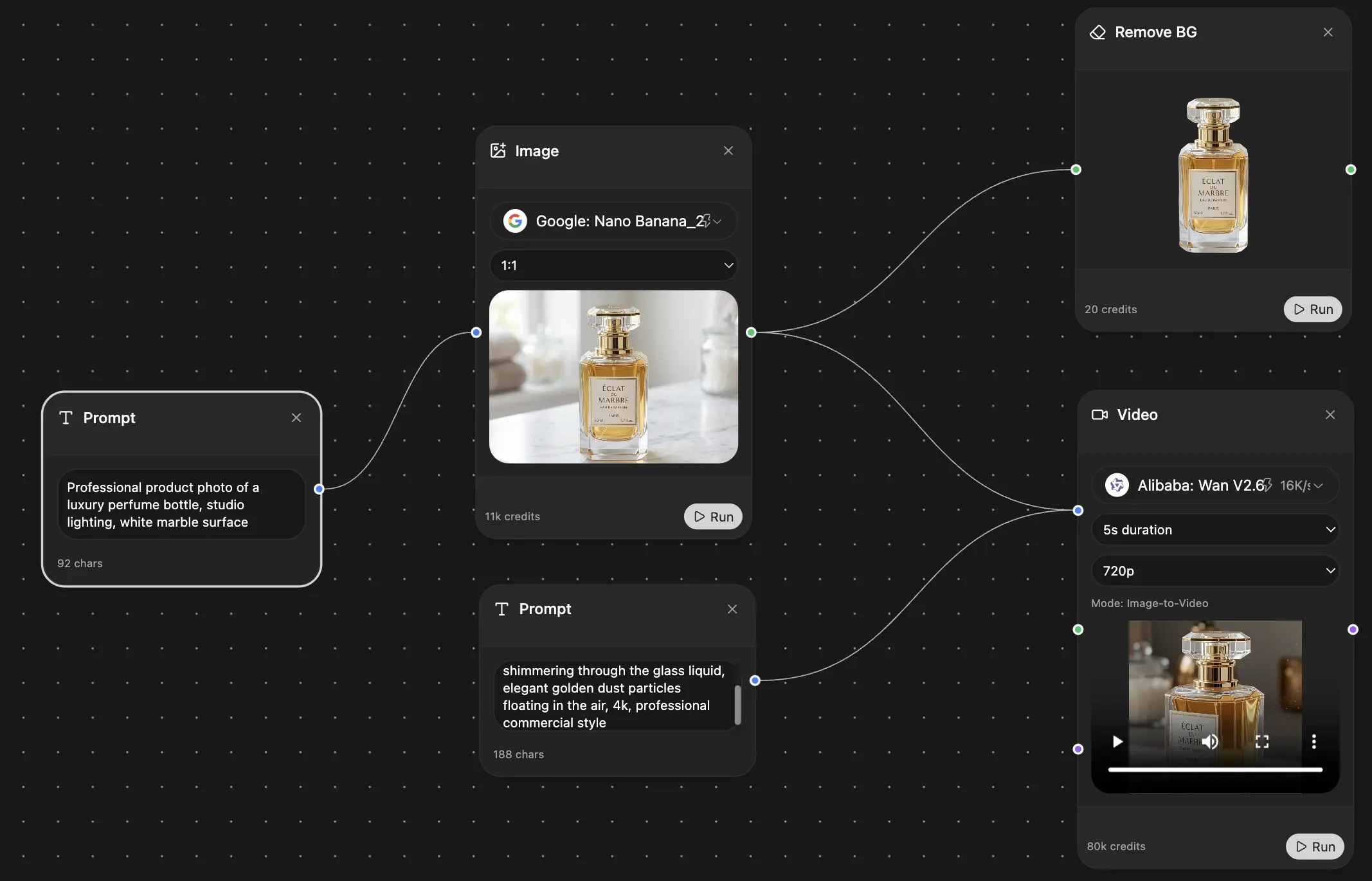
Your infinite AI canvas.
Chat, image, video & motion tools — side by side
Save hours of work and research
Transparent, High-Value Pricing
Trusted by teams at






Free
No credit card required
- 100 credits daily
- 3 AI models to try
- Basic AI chat
Plus
- 1,000,000 credits/month
- 25+ AI models — GPT, Claude, Gemini, Grok & more
- Agent Mode with web search, computer tools and more
- Creative Studio: image generation and video generation
- Project Library: chat with document, website and youtube, podcast generation, flashcards, reports and more
- Workflow Studio and FocusOS
Professional
- Everything in Plus, and:
- 2,100,000 credits/month
- Pro-exclusive models (Claude Opus, Grok 4, Sonar Pro)
- Motion Tools & Max Mode
- First access to latest features
- Access to additional offers
What Our Users Say
Great Tool after 2 months usage
simplyzubair
I love the way multiple tools they integrated in one platform. So far it is going in right dorection adding more tools.
Best in Kind!
barefootmedicine
This is another game-change. have used software that kind of offers similar features, but the quality of the data I'm getting back and the sheer speed of the responses is outstanding. I use this app ...
simply awesome
MarianZ
I just tried it - didnt wanna stay with it, because there is so much like that out there. But it convinced me, because: - the discord-channel is very response and fast - the number of models are quite...
A Surprisingly Comprehensive and Engaging Experience
bruno.battocletti
Zemith is not just another app; it's a surprisingly comprehensive platform that feels like a toolbox filled with unexpected delights. From the moment you launch it, you're greeted with a clean and int...
Great for Document Analysis
yerch82
Just works. Simple to use and great for working with documents and make summaries. Money well spend in my opinion.
Great AI site with lots of features and accessible llm's
sumore
what I find most useful in this site is the organization of the features. it's better that all the other site I have so far and even better than chatgpt themselves.
Excellent Tool
AlphaLeaf
Zemith claims to be an all-in-one platform, and after using it, I can confirm that it lives up to that claim. It not only has all the necessary functions, but the UI is also well-designed and very eas...
A well-rounded platform with solid LLMs, extra functionality
SlothMachine
Hey team Zemith! First off: I don't often write these reviews. I should do better, especially with tools that really put their heart and soul into their platform.
This is the best tool I've ever used. Updates are made almost daily, and the feedback process is very fast.
reu0691
This is the best AI tool I've used so far. Updates are made almost daily, and the feedback process is incredibly fast. Just looking at the changelogs, you can see how consistently the developers have ...